Start with the work.
Build from a work pack, add your own items, or describe the job with optional AI assistance. Set your quantities and prices.
Turn the job in front of you into a professional estimate. Send it, follow up, and keep your business moving—all from your iPhone.
Free to download · In-app subscriptions available

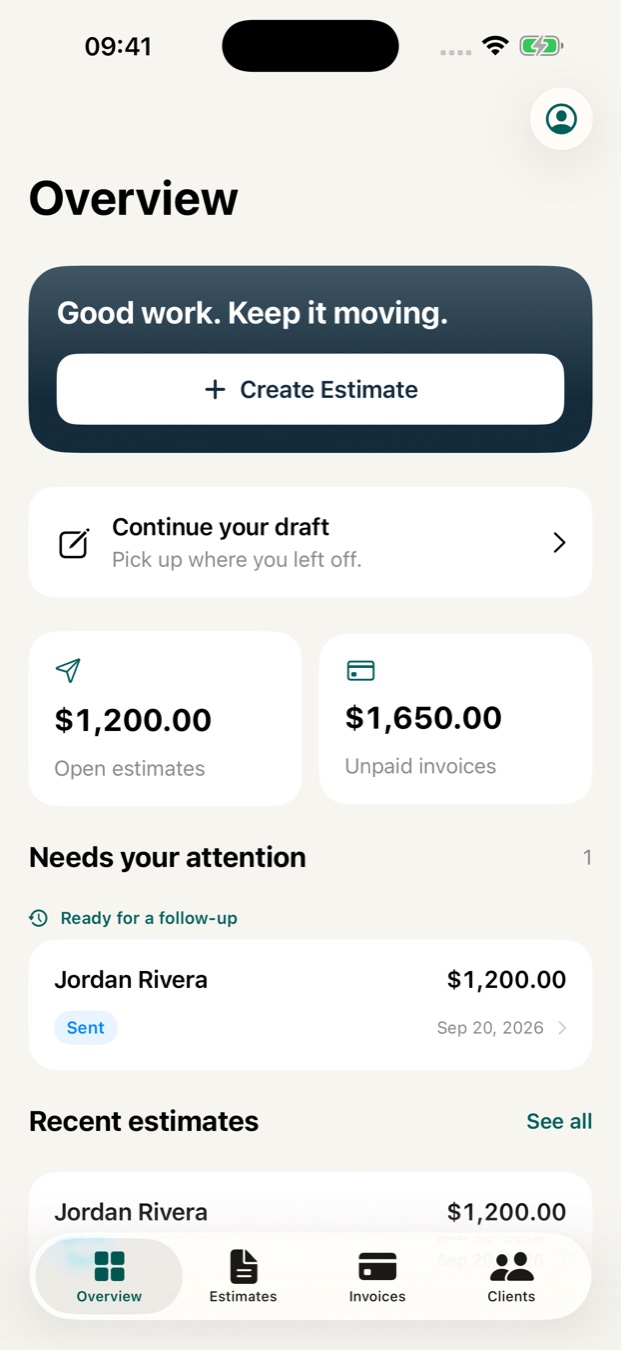
Less paperwork. More progress.
Keep the details together, wherever the day takes you.
Build from a work pack, add your own items, or describe the job with optional AI assistance. Set your quantities and prices.
Add your business details and share a clear PDF. Review the scope with your customer and collect a signature on your device.
See estimates that need attention, prepare follow-up messages, and turn accepted estimates into invoices.
Built around your kind of work
A clear scope. Your own rates. A document you’re happy to send.
Separate prep, coats, materials and finishing touches.
Explore painting estimates ↗02Spell out the rooms, service level and one-off extras.
Explore cleaning estimates ↗03Keep labor, parts and each small job accounted for.
Explore handyman estimates ↗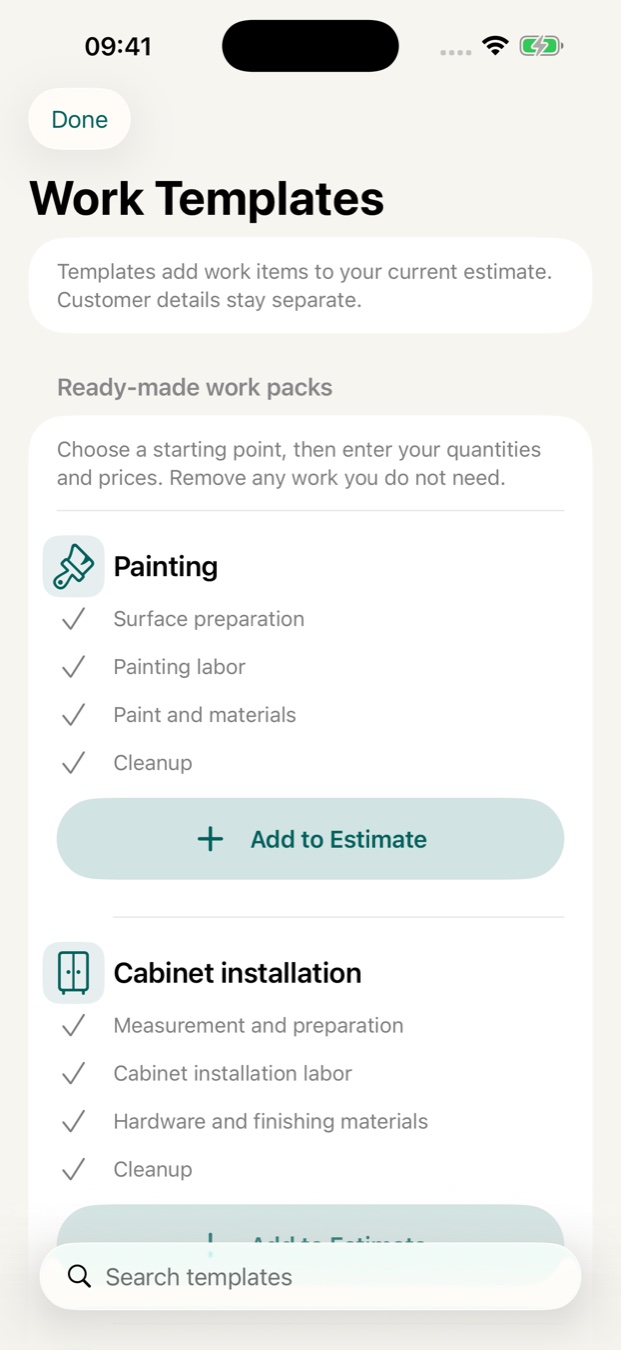
A head start, every time
Start with practical work packs, then make every estimate your own. You decide the scope and the rates.
Screens show sample data. Feature access depends on your plan.
Useful before you even download
A simple layout for your customer, job scope, quantities and prices. Print it or save it as a PDF.
Use the estimate template ↗Add your costs and markup to see the proposed price and margin. No account needed.
Open the profit calculator ↗A few things to know
No. You can add items yourself or start with a work pack. AI assistance is optional and requires an internet connection and your consent before your text is sent for processing.
You can prepare estimates manually without internet. AI features and purchase-related actions need a connection.
BidBuddy is free to download and offers in-app subscriptions. Check the App Store and the in-app offer for current pricing and included features in your region.
You can collect a customer signature on your device and include it in the estimate PDF. Signing remotely through a web link is not currently offered.
Create a clear estimate, send a professional PDF, and keep the next step in sight.
Get BidBuddy for iPhoneFree to download. In-app subscriptions available.